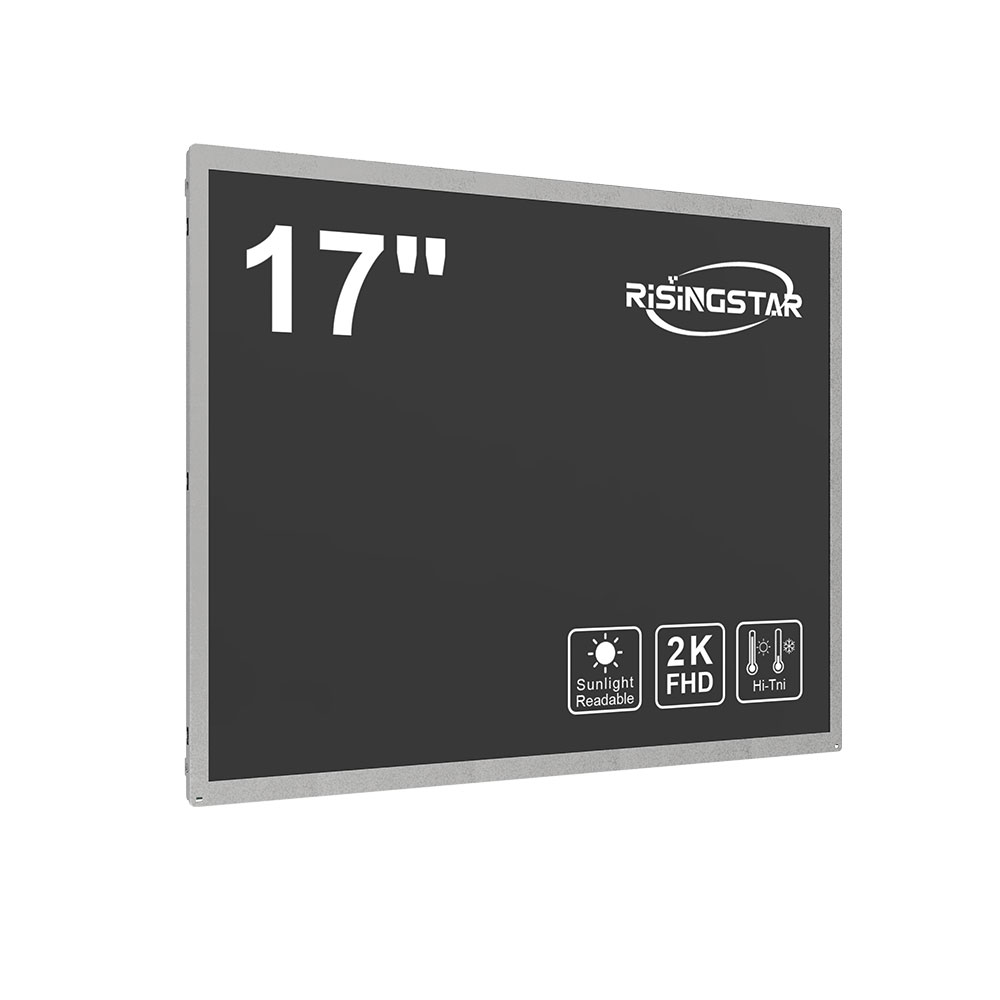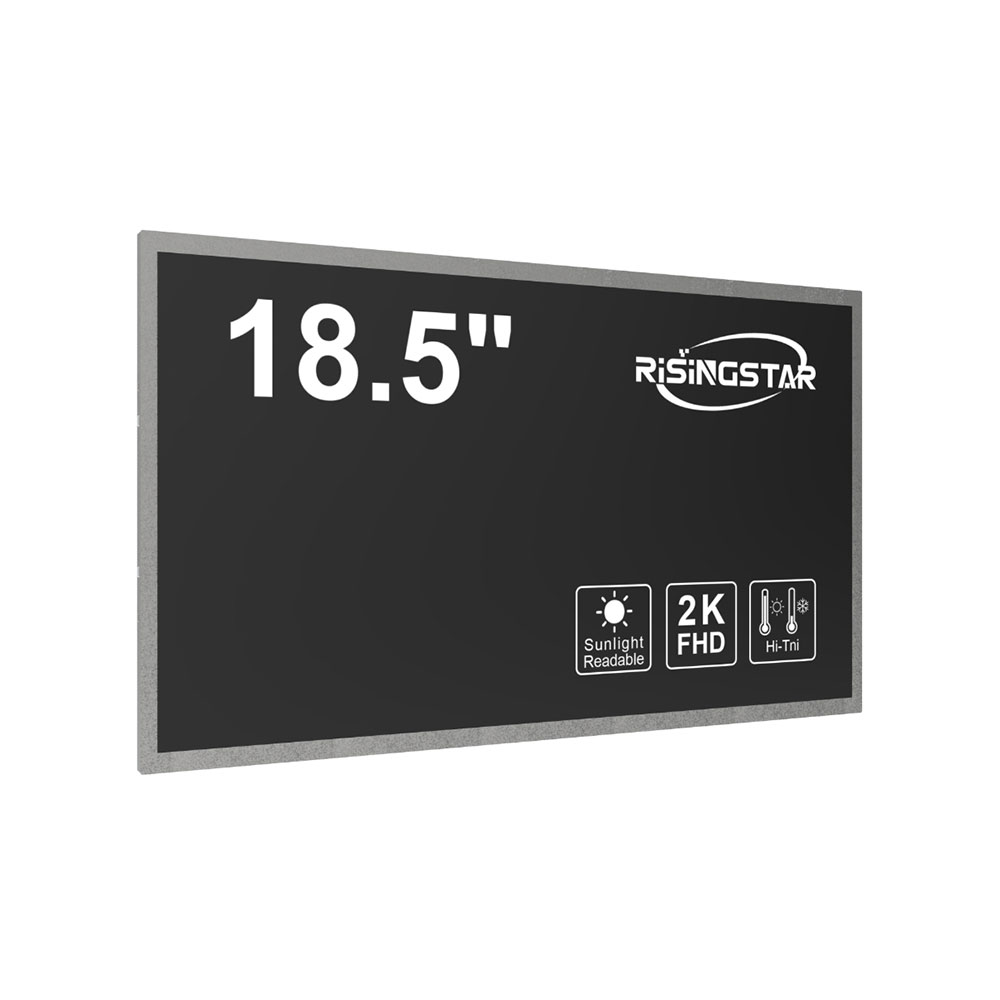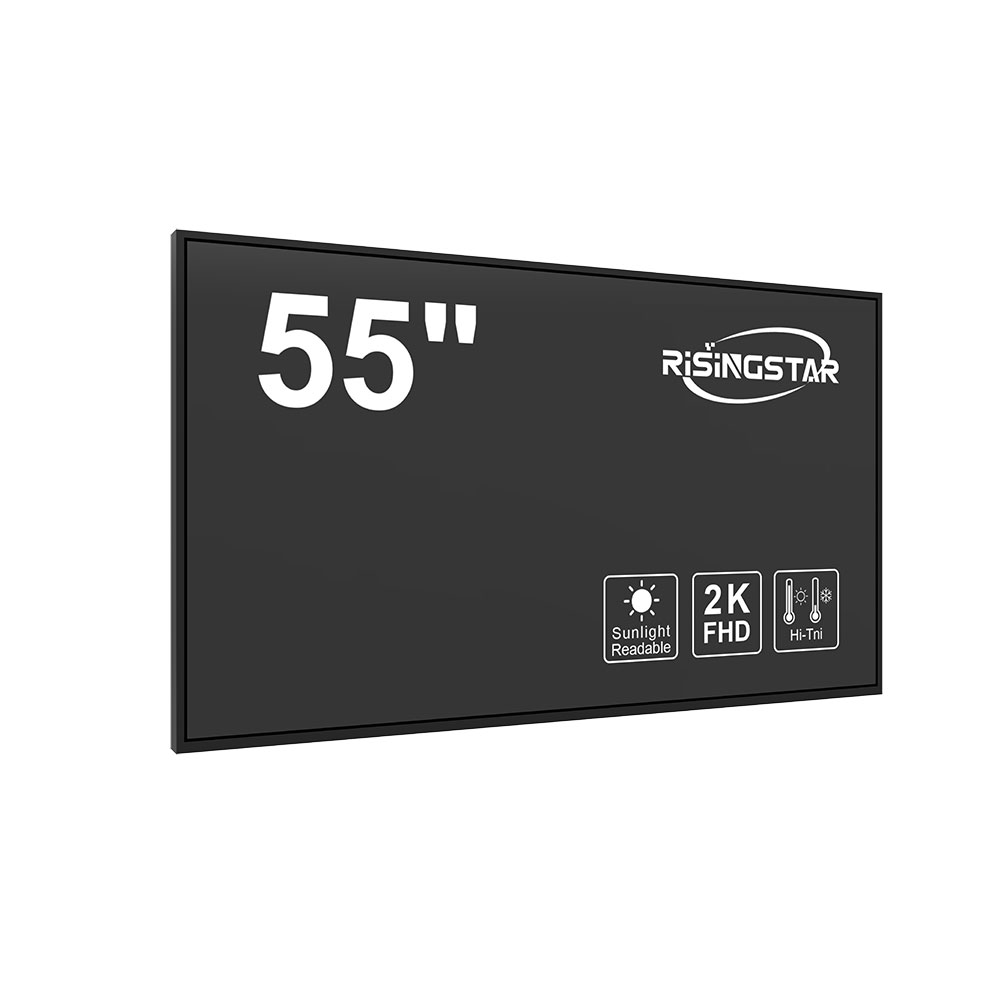
When selecting an LCD display for professional or consumer use, resolution is one of the most critical factors influencing performance, clarity, and user experience. With modern technology offering both 2K (2560x1440) and 4K (3840x2160) resolution options, users must evaluate their specific needs to make an informed decision.
For professionals in graphic design, video editing, or data analysis, 4K resolution provides a significant advantage. The higher pixel density allows for sharper images, more detailed textures, and greater screen real estate—essential when working with high-resolution assets or multitasking across multiple applications. Industry standards like the International Organization for Standardization (ISO) and DisplayHDR certifications often recommend 4K for creative workflows, as it supports accurate color representation and reduces eye strain during long sessions.
On the other hand, 2K resolution remains a cost-effective and efficient choice for general productivity tasks, casual gaming, and everyday computing. Many mid-range monitors now support 2K at 144Hz refresh rates, delivering smooth motion and responsiveness without the bandwidth demands of 4K. For users with limited GPU capabilities or those prioritizing budget over ultra-high definition, 2K strikes an ideal balance between visual quality and system performance.
Environmental testing by leading manufacturers such as LG, Dell, and BenQ confirms that both resolutions perform reliably under varying lighting conditions and usage scenarios. However, 4K displays typically require more robust hardware—such as NVIDIA RTX or AMD Radeon GPUs—to run smoothly at native resolution. This makes compatibility checks essential before purchase.
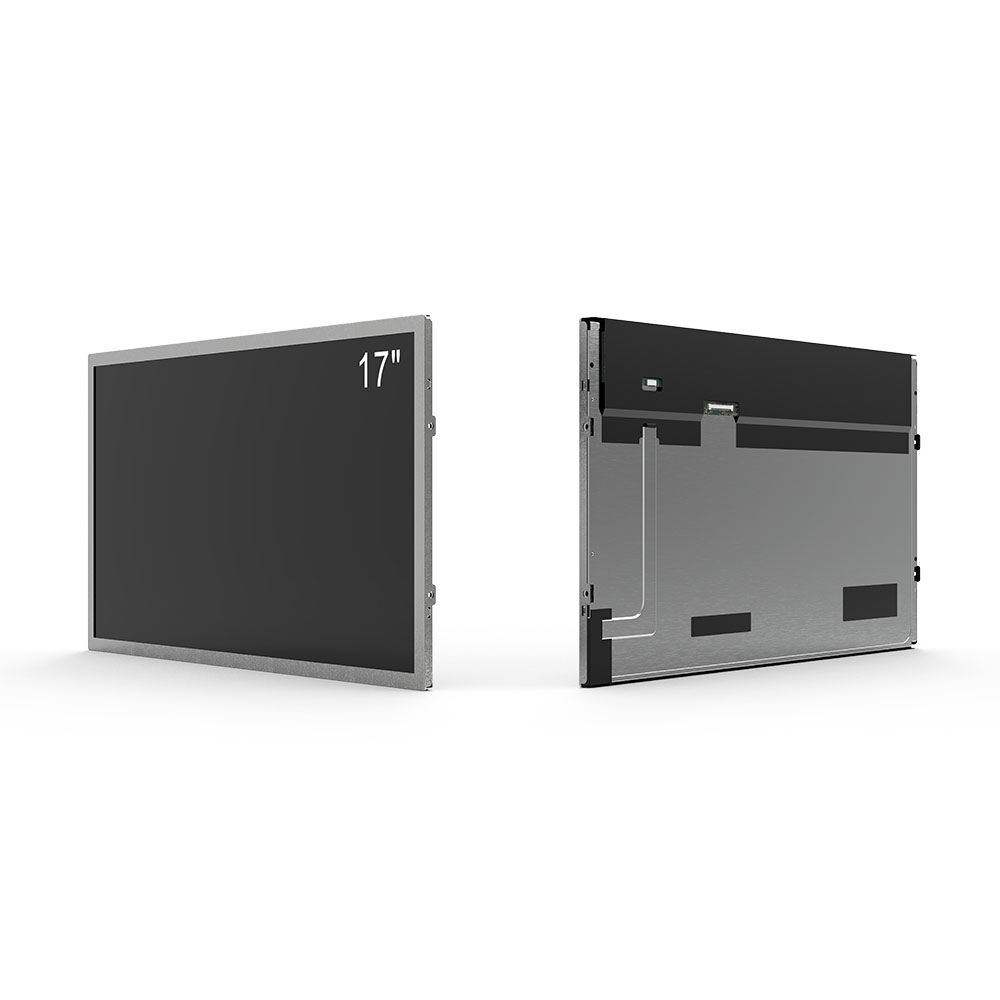
Customer reviews on platforms like Amazon and Reddit consistently highlight that while 4K offers superior clarity, especially on screens larger than 27 inches, 2K delivers excellent value for smaller setups or less demanding workloads. Ultimately, choosing between 2K and 4K should be guided by application type, screen size, hardware capability, and intended use case. Whether you're a content creator, gamer, or office worker, understanding your resolution needs ensures optimal display performance and long-term satisfaction.