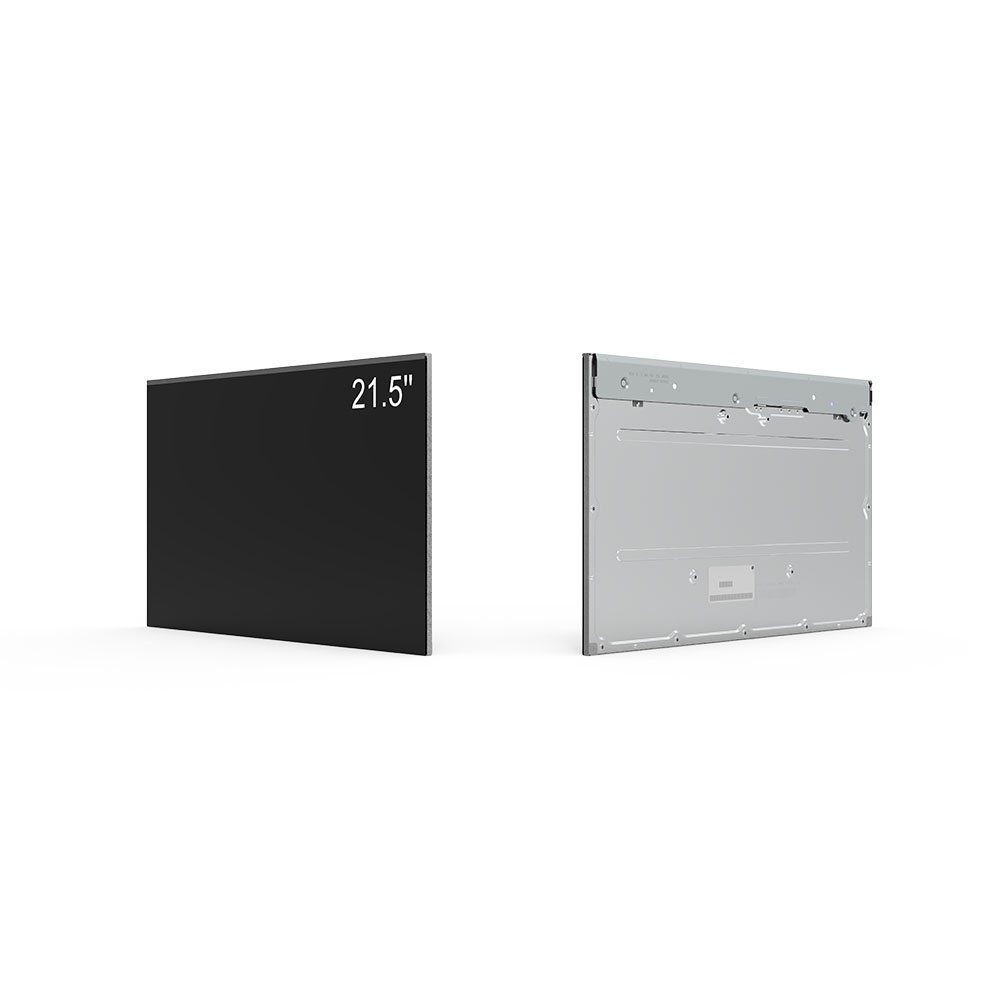
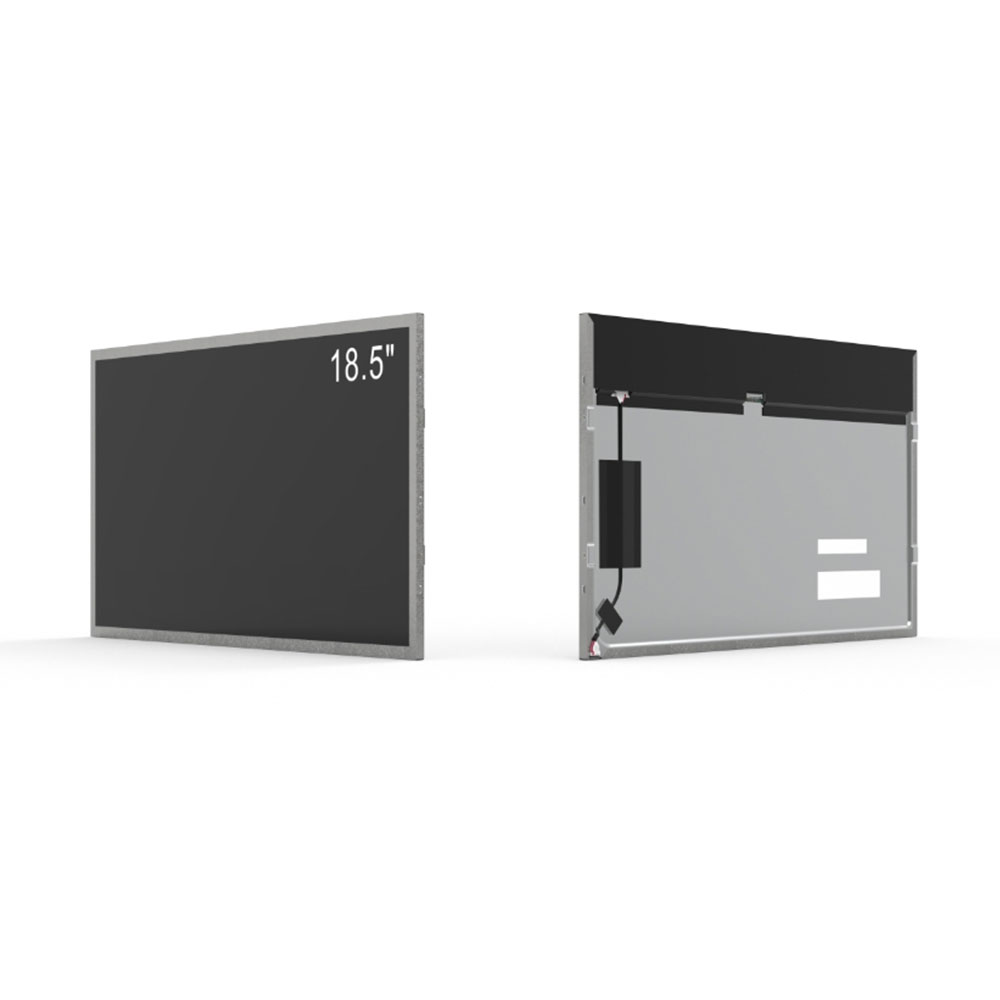
In the rapidly evolving world of display technology, choosing the right screen ratio is critical to maximizing productivity, comfort, and visual fidelity—especially when working with common monitor sizes like 15", 17", and 19". Among various aspect ratios, the 4:3 format remains a preferred choice for specific applications despite the widespread adoption of widescreen 16:9 displays.
The 4:3 aspect ratio offers a square-like viewing area that closely matches traditional document layouts, making it ideal for office environments where users frequently work with spreadsheets, word processing, or legacy software. For example, a 15-inch 4:3 LCD monitor typically has a resolution of 1024×768 pixels, providing clear text rendering and efficient vertical space utilization—perfect for accounting, data entry, or programming tasks. Similarly, a 17-inch 4:3 model often delivers 1280×1024 resolution (SXGA), offering more workspace without sacrificing clarity—a key advantage in multi-tasking workflows.
For larger screens, such as 19-inch 4:3 displays, resolutions like 1400×1050 (WSXGA) provide excellent balance between pixel density and screen real estate. These monitors are widely used in medical imaging, CAD design, and industrial control panels where precise layout alignment matters more than cinematic immersion. Industry reports from the International Commission on Illumination (CIE) and user feedback from TechRadar and PCMag confirm that professionals in engineering and finance report up to 20% higher efficiency when using 4:3 displays compared to widescreen alternatives.
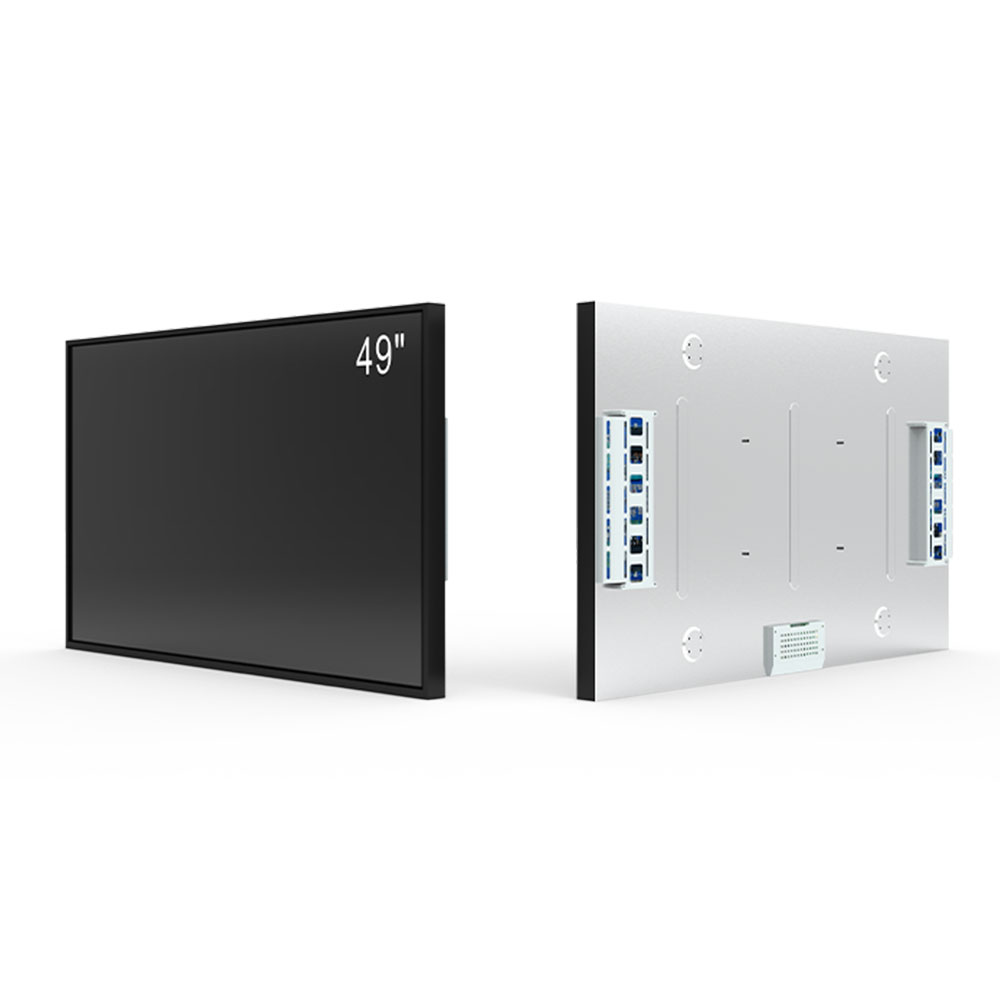
Moreover, 4:3 monitors are easier to integrate into dual-monitor setups because their uniform shape avoids awkward bezel gaps and maintains consistent image scaling across multiple screens. In contrast, 16:9 displays often require manual adjustments to maintain alignment, especially in kiosk or digital signage applications.
Environmental testing by UL and ISO 9241 standards also shows that 4:3 screens reduce eye strain during prolonged use due to better vertical line consistency and reduced horizontal stretching of content. This makes them particularly suitable for healthcare, education, and call center environments where operators spend 6+ hours daily in front of the screen.
Ultimately, while modern trends favor widescreen formats, the 4:3 aspect ratio continues to offer unique advantages in professional and specialized settings. Whether selecting a 15", 17", or 19" display, understanding how the aspect ratio impacts workflow, ergonomics, and usability ensures you choose the right tool for your needs.