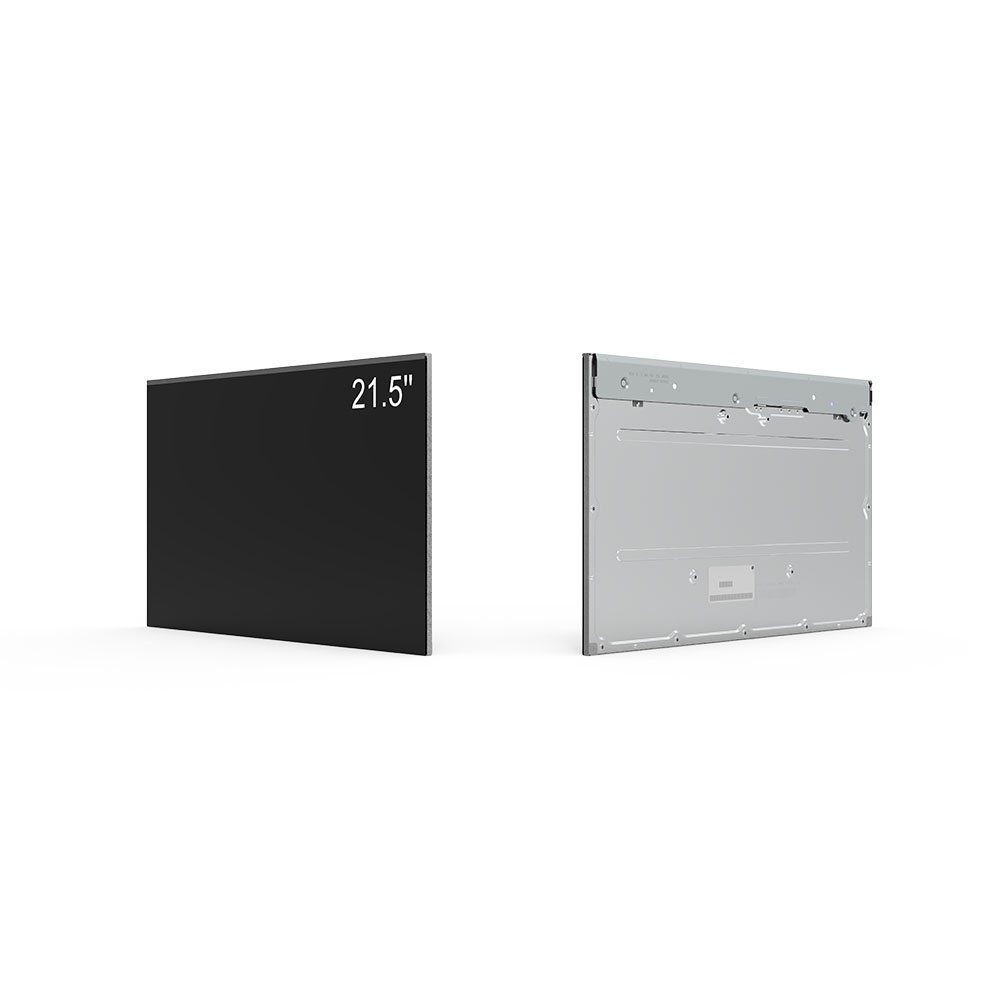
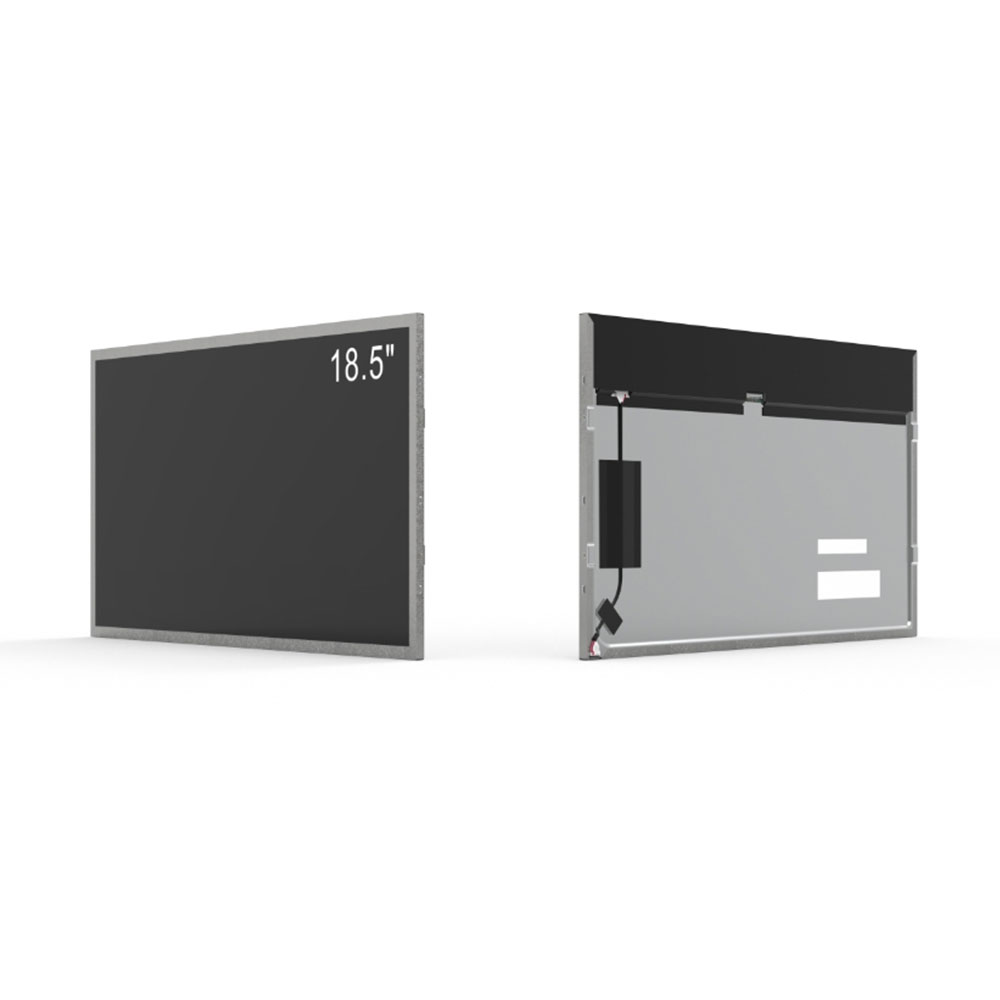
When it comes to choosing a high-quality monitor for professional work, gaming, or creative design, understanding the display technology behind it is essential. One of the most widely discussed and respected technologies in modern LCD screens is IPS, which stands for In-Plane Switching.
IPS was developed in the late 1990s by Hitachi as an improvement over older Twisted Nematic (TN) panel technology. While TN panels offered fast response times, they suffered from poor viewing angles and inconsistent color reproduction. IPS panels were specifically engineered to address these shortcomings, making them ideal for applications where accurate colors, wide viewing angles, and consistent image quality are critical.
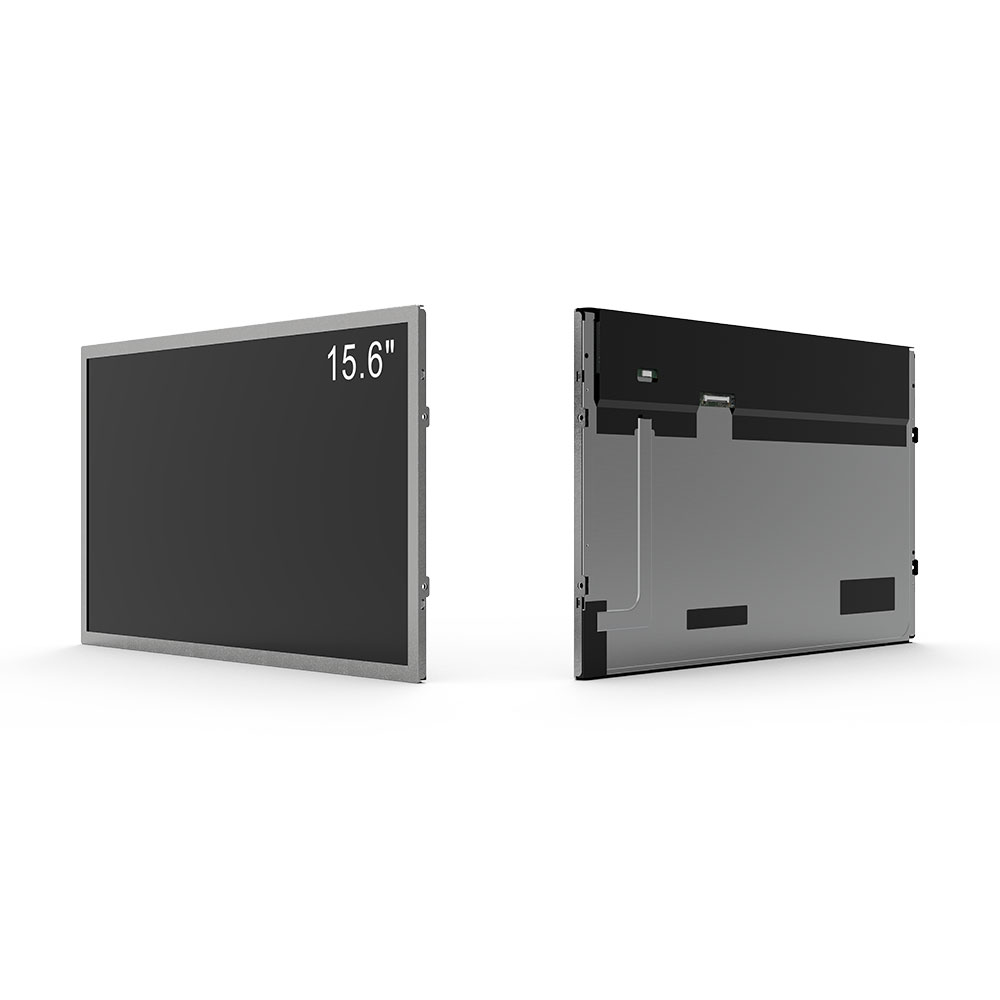
The core innovation in IPS lies in how liquid crystal molecules are aligned within the panel. In TN panels, crystals rotate perpendicularly to the glass substrate, leading to significant color shift when viewed off-axis. In contrast, IPS aligns the molecules parallel to the glass surface—hence “in-plane.” This allows for better light control across a wider range of angles, resulting in minimal color distortion even at extreme viewing angles (up to 178°).
For professionals in graphic design, video editing, or photography, this makes IPS monitors indispensable. The superior color accuracy—often achieving 99% sRGB coverage or more—ensures that what you see on screen closely matches real-world output. Industry standards like the International Color Consortium (ICC) profile support further validates IPS’s precision, allowing seamless integration with color-managed workflows.
Additionally, IPS panels offer improved brightness consistency across the screen, reducing the “hotspot” effect common in lower-tier displays. While early IPS panels had slower response times (typically 4–6ms), advancements in manufacturing have brought modern IPS panels to match or exceed TN speeds—especially with technologies like Fast IPS or Ultra-fast IPS.
However, IPS isn’t without trade-offs. It generally consumes more power than TN panels and can exhibit slightly higher input lag due to its complex pixel structure. But for users prioritizing visual fidelity over raw speed—such as content creators, architects, or medical imaging specialists—these compromises are negligible compared to the benefits.
In today’s market, IPS panels dominate mid-to-high-end monitors from brands like Dell, LG, ASUS, and BenQ. They are also standard in Apple’s Pro Display XDR and Microsoft Surface Studio, underscoring their role in professional-grade visual computing. Whether you’re working in a studio, presenting in a boardroom, or gaming in a multi-monitor setup, an IPS monitor delivers clarity, consistency, and confidence in every pixel.
To choose wisely, look for monitors with IPS panels that offer at least 100% sRGB coverage, Delta E< 2 for color accuracy, and response times under 5ms for smooth motion handling. With proper calibration and high-brightness options (300–1000 nits), IPS ensures peak performance in both indoor and outdoor environments—making it a future-proof choice for any serious user.