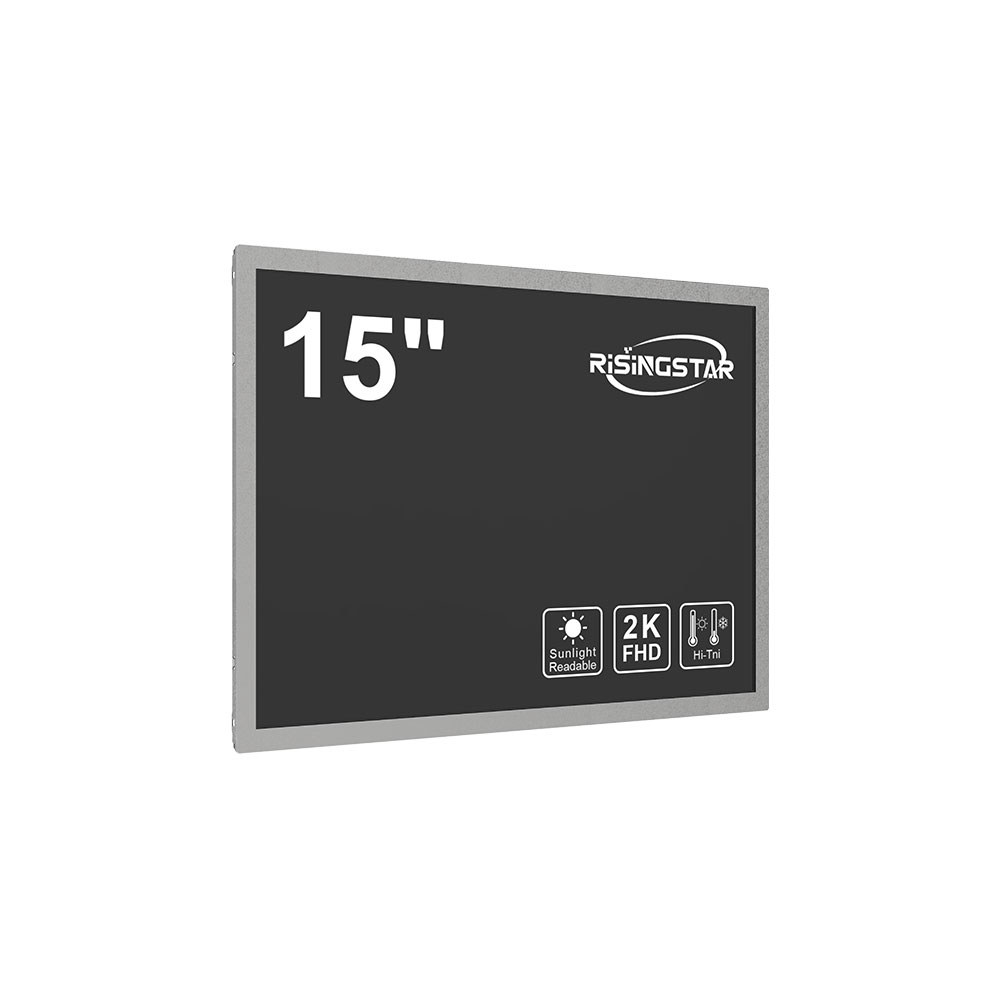
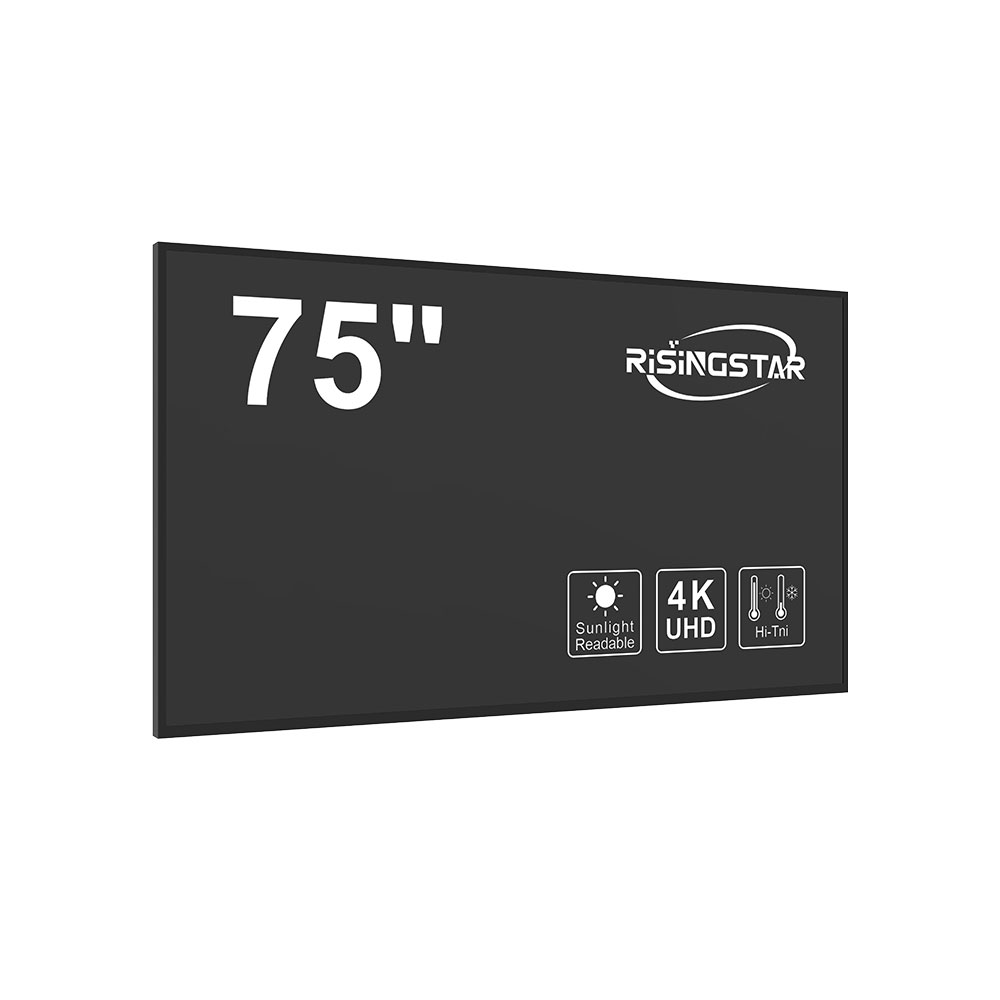
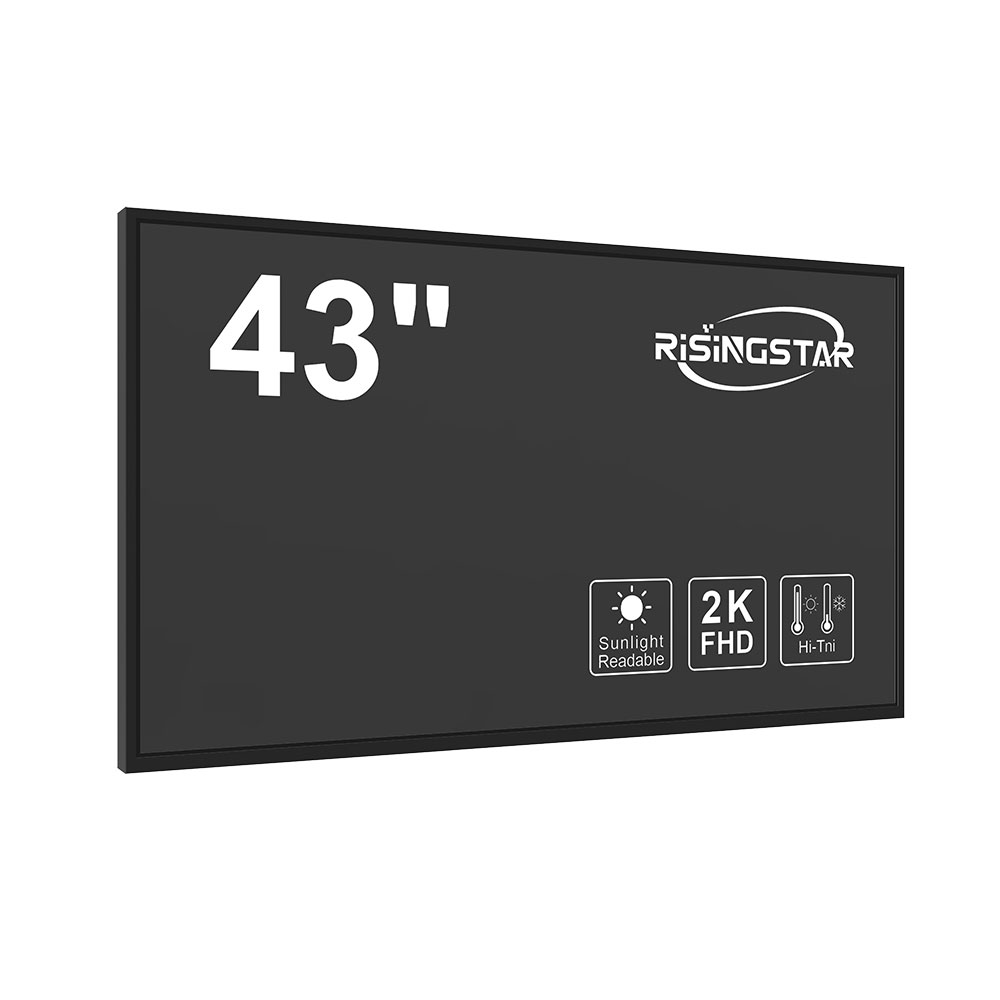
When selecting an LCD display for industrial applications, it is essential to consider a range of technical and environmental factors that directly impact performance, reliability, and longevity. Unlike consumer-grade displays used in smartphones or home entertainment systems, industrial LCDs must operate reliably under extreme conditions—such as wide temperature ranges, high humidity, mechanical shock, and prolonged exposure to dust or chemicals. A misjudged choice can lead to system downtime, increased maintenance costs, and even safety risks in critical operations like manufacturing, medical devices, or transportation systems.
The first step in choosing the right industrial LCD is to define the application’s specific requirements. Is the display part of a control panel in a factory automation system? Is it embedded in a portable field device used by technicians? Or does it serve as a dashboard in a vehicle or aircraft? Each use case demands different specifications—from brightness levels and viewing angles to touch interface compatibility and ruggedness ratings.
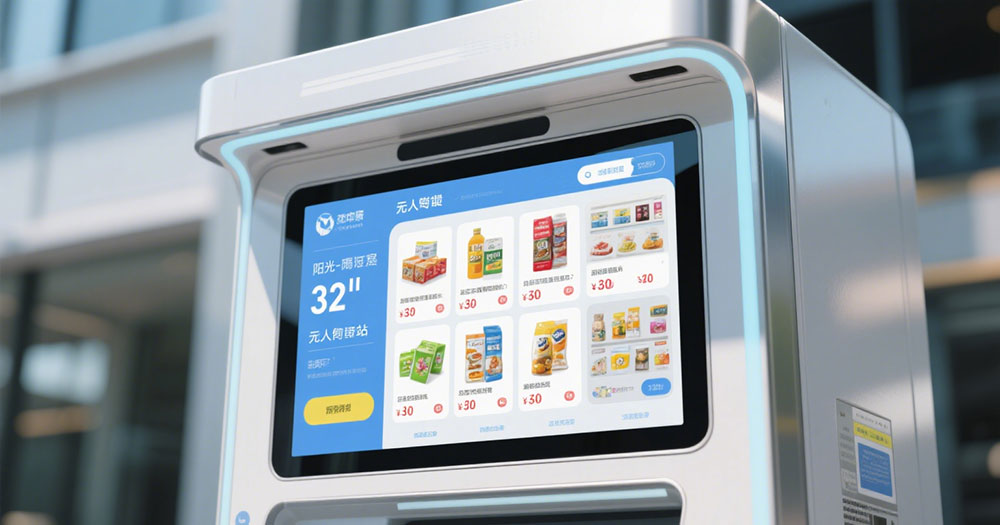
Brightness is a critical parameter. In outdoor environments or brightly lit indoor spaces (e.g., warehouses or production floors), an LCD must achieve at least 1000 nits of brightness to remain visible under direct sunlight. Standard office monitors typically offer only 250–300 nits, making them unsuitable for such settings. High-brightness panels often employ LED backlighting with enhanced diffuser films and anti-reflective coatings to minimize glare and maximize contrast.
Another key consideration is operating temperature range. Industrial-grade LCDs are usually rated for -20°C to +70°C, whereas consumer models typically function only between 0°C and 50°C. Some specialized units can operate down to -40°C or up to +85°C, which is crucial for cold-storage facilities, automotive diagnostics, or aerospace applications. Always verify the manufacturer's datasheet for thermal endurance testing data—especially if the unit will be subjected to rapid temperature cycling during operation.
Viewing angle matters significantly when multiple users need to see the same screen simultaneously, such as in collaborative workstations or operator consoles. IPS (In-Plane Switching) technology offers wider viewing angles (up to 178° horizontally and vertically) compared to TN (Twisted Nematic) panels, which may suffer from color shift and reduced contrast at oblique angles. For applications requiring consistent image quality from any direction, IPS panels are strongly recommended.
Environmental durability is another major factor. Look for IP65 or higher ingress protection ratings if the display will be exposed to water spray, dust, or chemical splashes. This rating ensures the unit is sealed against particulates and liquid penetration. Additionally, some manufacturers test their displays using MIL-STD-810G standards for vibration, shock, and altitude resistance—critical for mobile equipment like drones, military vehicles, or mining machinery.
Touch functionality adds another layer of complexity. Resistive touchscreens are durable and work with gloves or styluses but have lower sensitivity and response time. Capacitive touchscreens offer superior responsiveness and multi-touch capabilities but require bare skin contact and are more susceptible to damage from sharp objects. For harsh environments, opt for hardened capacitive or projected capacitive (PCAP) touch panels with protective layers such as Gorilla Glass or polycarbonate laminates.
Power consumption is also vital, especially in battery-powered or solar-recharged devices. Low-power LCDs use advanced backlight dimming algorithms and efficient drivers to reduce energy draw without compromising visibility. OLEDs offer deeper blacks and better contrast but consume more power than traditional LCDs, so they’re less ideal for long-term industrial deployments unless power management strategies are in place.
Reliability metrics like MTBF (Mean Time Between Failures) should be evaluated. Industrial-grade displays often boast MTBF values above 100,000 hours—compared to 50,000 hours for consumer equivalents. This extended lifespan reduces replacement frequency and supports total cost of ownership calculations over years of operation.
Finally, certification compliance cannot be overlooked. Displays used in medical, automotive, or aerospace industries must meet stringent standards such as CE, FCC, RoHS, UL, and IEC 60601-1 (for medical devices). These certifications ensure electromagnetic compatibility, safety, and environmental responsibility.
To illustrate best practices, consider a real-world example: A logistics company deploying handheld scanners in a warehouse environment chose an industrial LCD with 1500 nits brightness, 1000:1 contrast ratio, IP65 sealing, and resistive touch capability. The result was a robust, reliable solution that operated flawlessly despite daily exposure to sweat, dust, and drops on concrete floors—a testament to thoughtful specification selection.
In summary, selecting the right industrial LCD requires balancing performance, durability, and operational context. By addressing brightness, temperature tolerance, viewing angles, environmental protection, touch interface, power efficiency, reliability, and compliance upfront, engineers and procurement teams can avoid costly mistakes and ensure long-term success in demanding industrial environments.