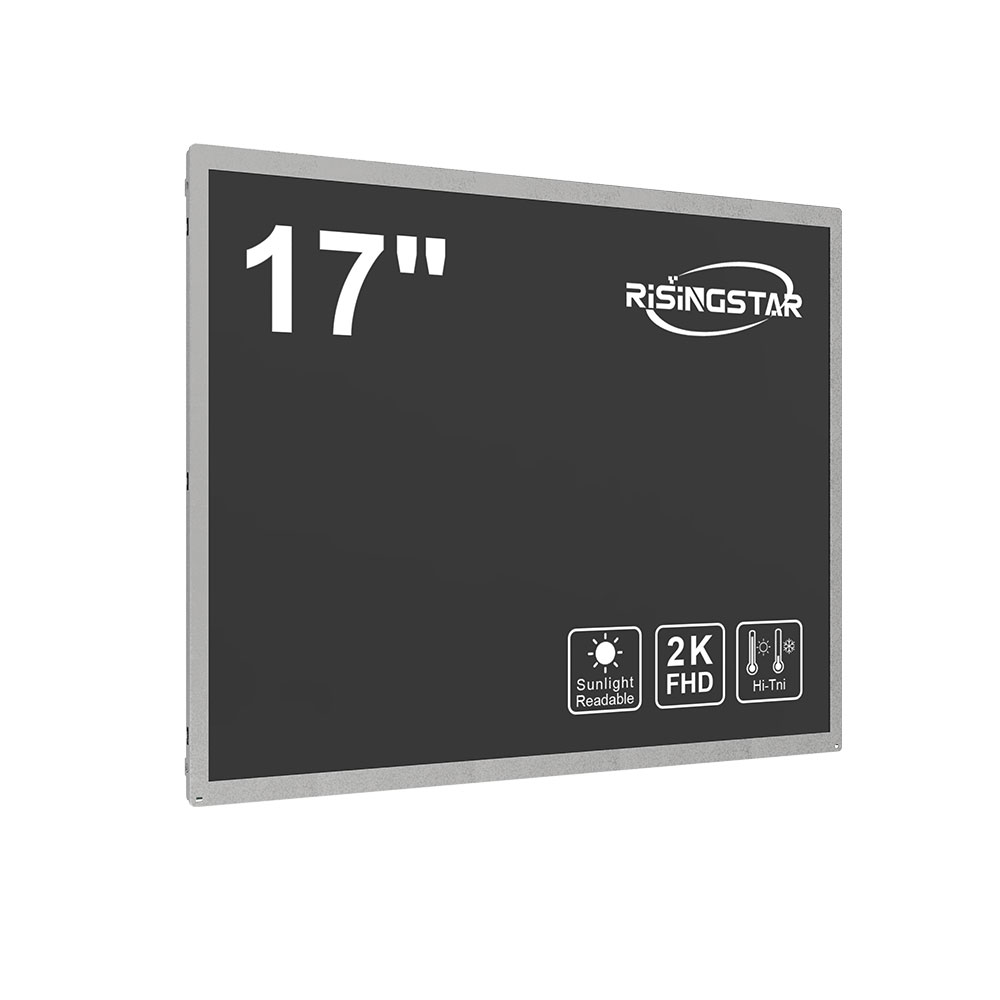
Choosing the Right Display Resolution for Your Needs 2K vs 4K
When selecting an LCD monitor or display for professional, gaming, or home entertainment use, one of the most critical decisions is choosing between 2K and 4K resolution. Both options offer superior clarity over standard 1080p, but each has unique advantages depending on your use case.
2K resolution, also known as QHD (2560 x 1440), delivers a sharp image with 2.1 million pixels—about 78% more than Full HD. It strikes a strong balance between performance and visual quality, making it ideal for productivity tasks like graphic design, video editing, and multitasking across multiple windows. For gamers, 2K provides a noticeable improvement in detail without placing excessive strain on mid-range GPUs. Many monitors in this range support high refresh rates (144Hz or higher) and adaptive sync technologies like G-Sync or FreeSync, enhancing responsiveness and reducing screen tearing.
4K resolution (3840 x 2160), or Ultra HD, quadruples the pixel count of 1080p, offering four times the clarity. This makes it perfect for professionals working with high-detail content such as 4K video production, architectural visualization, or medical imaging. In home theater setups, 4K delivers cinematic immersion thanks to its ability to render fine textures and colors with precision. However, achieving smooth performance at 4K requires robust hardware—typically a powerful GPU and a high-bandwidth HDMI 2.0 or DisplayPort 1.4 connection. Additionally, scaling text and UI elements correctly on 4K displays can be challenging if the system lacks proper DPI scaling support.
For users with limited budgets or less demanding applications, 2K remains a cost-effective and efficient choice. For those prioritizing visual fidelity and future-proofing, especially in creative industries, 4K is increasingly becoming the industry standard. Modern LCD panels from brands like Dell, LG, ASUS, and Samsung now routinely offer both 2K and 4K models, often with IPS or VA panel types for wide viewing angles and accurate color reproduction. Ultimately, the decision hinges on your budget, intended usage, and hardware capabilities—not just resolution alone.