When selecting an LCD display for professional, commercial, or consumer use, resolution is one of the most critical factors to consider. With 2K and 4K resolution options now widely available across monitors, TVs, and industrial displays, understanding the differences—and how they impact performance—is essential for making an informed decision.
A 2K resolution (typically 2560×1440 pixels) offers a significant improvement over Full HD (1920×1080), providing sharper text, more detailed images, and better color accuracy—ideal for tasks like graphic design, video editing, and productivity work. It strikes a balance between performance and affordability, making it a popular choice for mid-range desktop monitors and gaming setups.
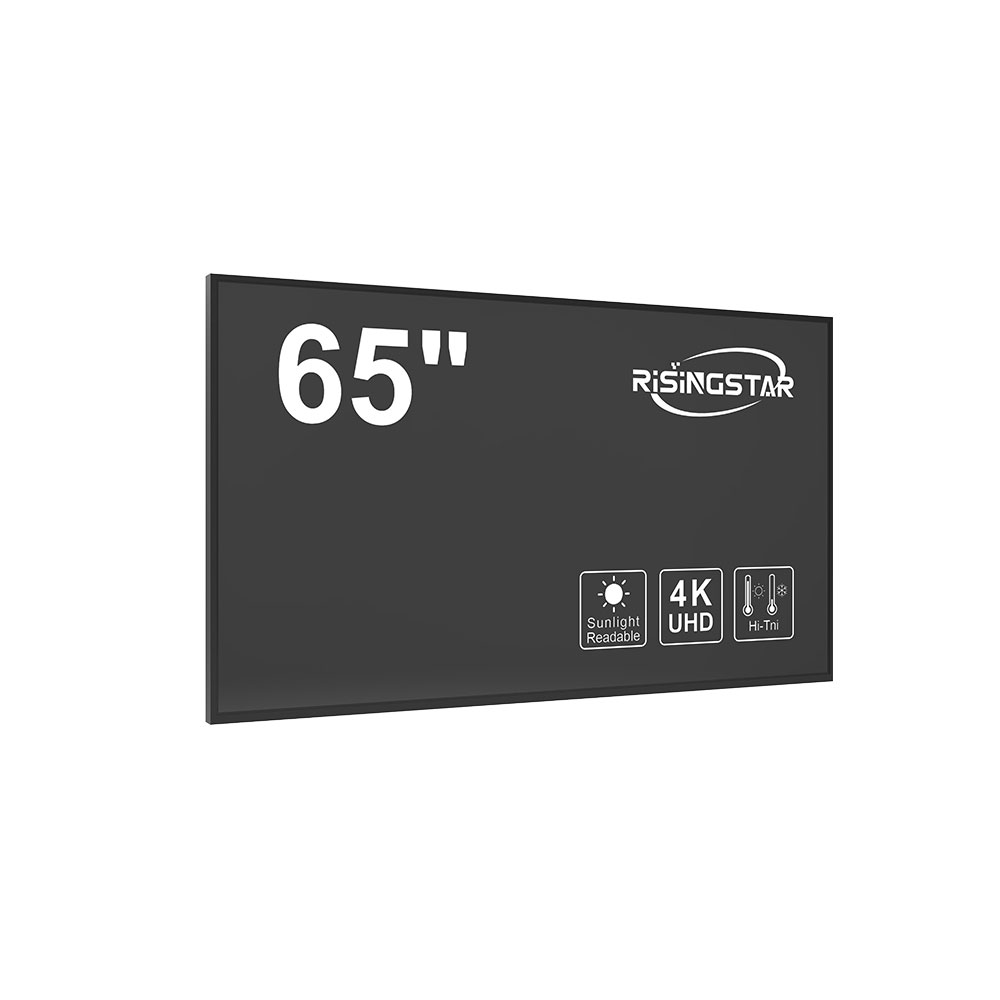
In contrast, 4K resolution (3840×2160 pixels) delivers four times the pixel density of Full HD, resulting in ultra-sharp visuals that are especially beneficial in environments where image clarity matters—such as medical imaging, digital signage, or high-end home theaters. For professionals working with large datasets, complex visualizations, or cinematic content, 4K ensures every detail is visible without strain on the eyes.
Manufacturers like LG, Dell, and Samsung now offer both 2K and 4K LCD panels with advanced technologies such as IPS, VA, and OLED for improved viewing angles, color gamut, and contrast ratios. Additionally, newer models support HDR (High Dynamic Range), enhancing brightness levels and color depth, particularly in 4K displays.
The choice between 2K and 4K should also consider hardware compatibility—especially GPU power for 4K at higher refresh rates—and screen size. For example, a 27-inch monitor benefits greatly from 4K resolution due to its pixel density, while a 24-inch screen may not show a noticeable difference between 2K and 4K unless viewed up close.
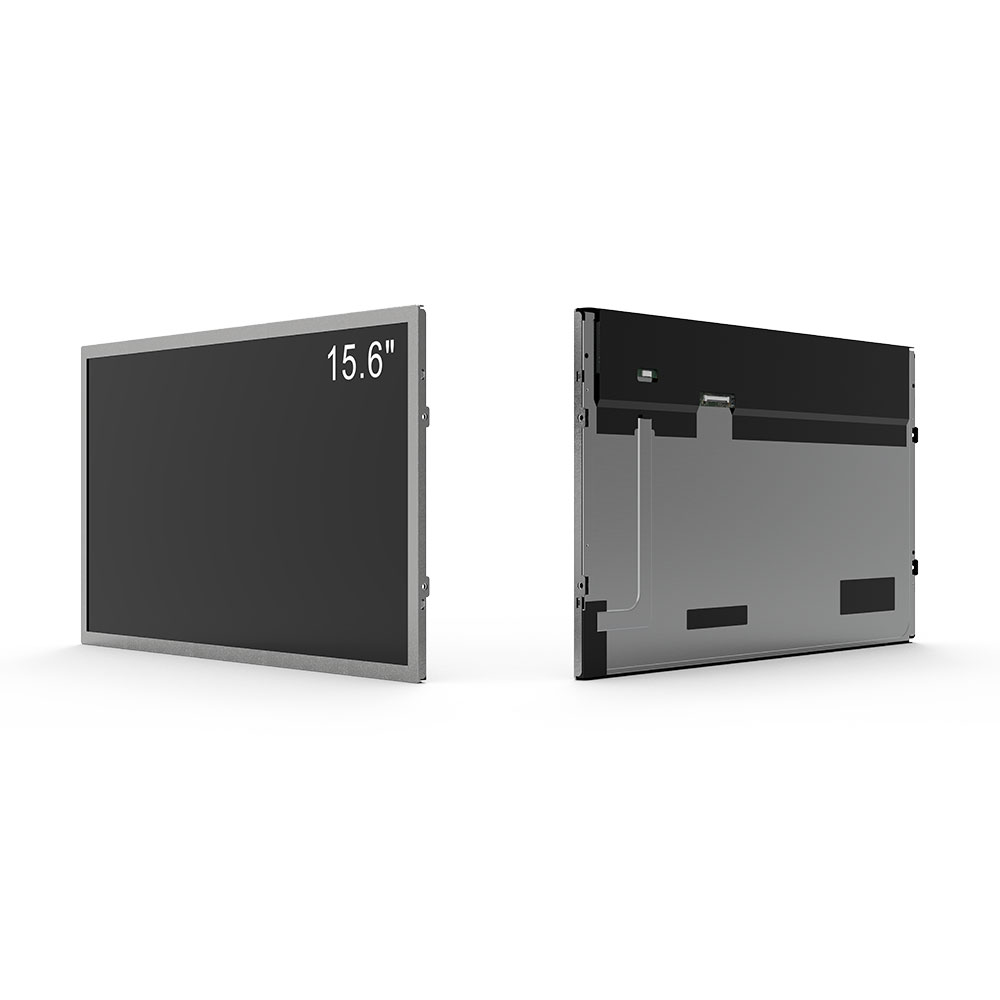
Industry reports from Statista and Display Supply Chain Consultants (DSCC) confirm that global demand for 4K displays has grown by over 20% annually since 2021, driven by rising adoption in enterprise, education, and remote work sectors. Meanwhile, 2K remains a cost-effective alternative for users who prioritize responsiveness and budget efficiency—especially in gaming and multitasking scenarios.
Ultimately, choosing between 2K and 4K resolution depends on your intended use case, budget, and screen size. Whether you're upgrading a workstation or setting up a new entertainment system, evaluating these factors will ensure optimal value and user satisfaction.