When selecting an LCD display for professional or consumer use, one of the most critical decisions is choosing the appropriate resolution. Two popular options in today’s market are 2K and 4K resolutions—both offering significant improvements over standard HD (1080p) displays. Understanding the differences between these resolutions ensures you make a decision that aligns with your application, budget, and viewing environment.
A 2K resolution typically refers to a display with a horizontal resolution of approximately 2,560 pixels, such as the common 2560×1440 (QHD) format. This resolution delivers sharp visuals, ideal for office productivity, graphic design, and gaming at high refresh rates. It strikes a balance between performance and image clarity, making it a cost-effective upgrade from Full HD without overwhelming mid-range GPUs or system resources.
In contrast, 4K resolution (3840×2160 UHD) offers four times the pixel density of 1080p, providing stunning detail, especially on larger screens or when viewed from closer distances. Professionals in video editing, architecture, medical imaging, and immersive entertainment benefit greatly from this level of precision. However, 4K demands higher bandwidth, more powerful hardware, and often comes at a premium price point.
For example, the LG UltraFine 27UN880-B and Dell UltraSharp U2720Q both support 4K resolution and are widely used in creative industries. Meanwhile, monitors like the ASUS ProArt PA279CV offer excellent color accuracy and are optimized for 2K workflows, making them ideal for photographers and designers who prioritize performance over raw pixel count.
Environmental factors matter too—viewing distance, ambient lighting, and screen size all influence which resolution feels most natural. Industry standards from VESA and HDMI suggest that 4K is best suited for screens 27 inches and above, while 2K performs optimally at 24–27 inches. Additionally, HDR compatibility and panel types (IPS vs TN) should be considered alongside resolution to maximize visual quality.
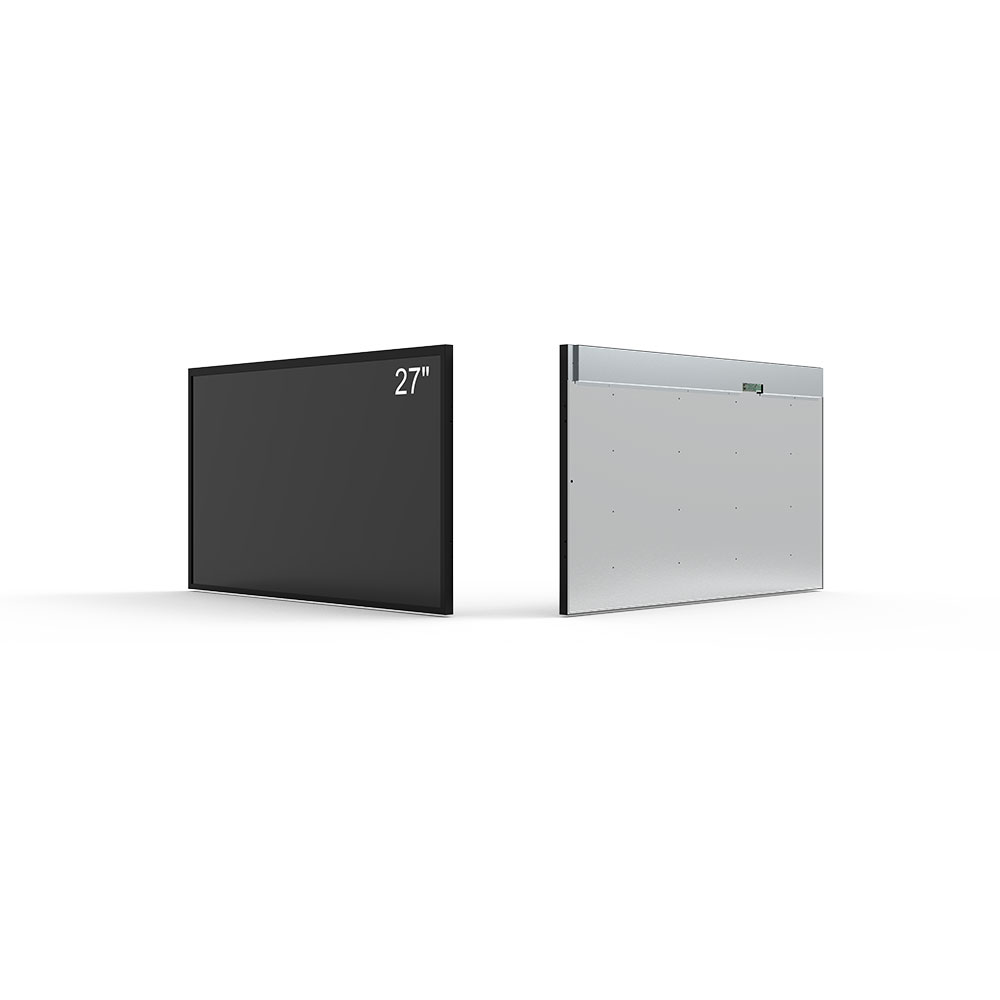
Ultimately, the choice between 2K and 4K depends on your specific needs: if you're focused on workflow efficiency, cost-effectiveness, and moderate content consumption, 2K may be the better fit. For cutting-edge creativity, cinematic experiences, or future-proofing, 4K provides unmatched clarity and scalability across multiple device ecosystems—from Windows and macOS to Android TV and game consoles.